EBU R128 broadcast
-23 LUFSRadio material to the European standard — with a clear measurement report per file.
Bring MP3, FLAC and WAV to Spotify, podcast or radio loudness – offline, even with large libraries.
Windows 10/11 · 64-bit trial up to 25 files · one-time, no subscription · offline 5.0 / 5 · 2 reviews
Now available
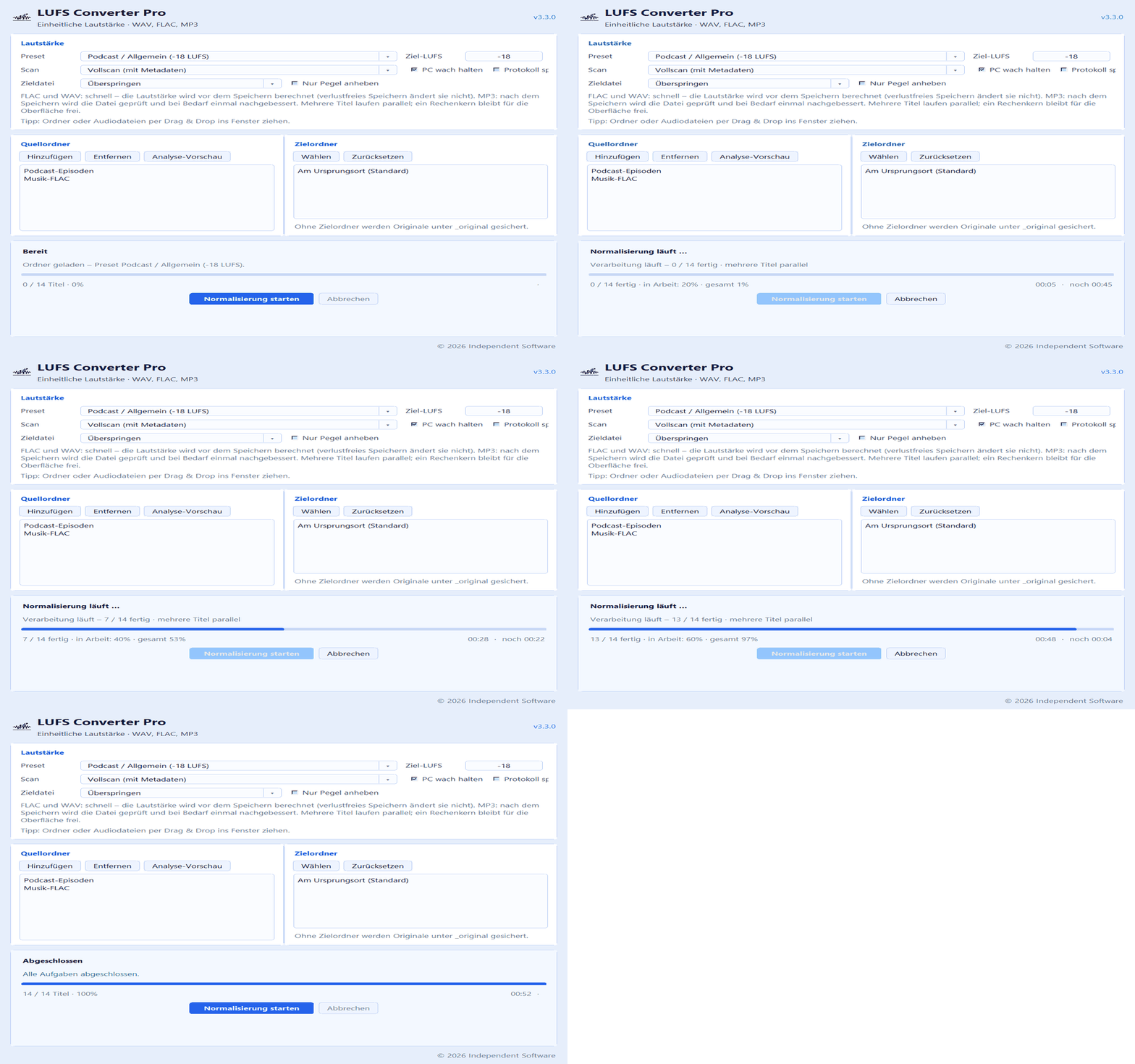
Version 3.3.0 is available – finished files are checked after saving, large folders can resume after a stop, and the old pass switch is gone. Details in the release post.
LUFS Converter Pro is a Windows application by Independent Software. It brings the loudness of many audio files to a consistent target LUFS level – whole folders at once, offline on your PC.
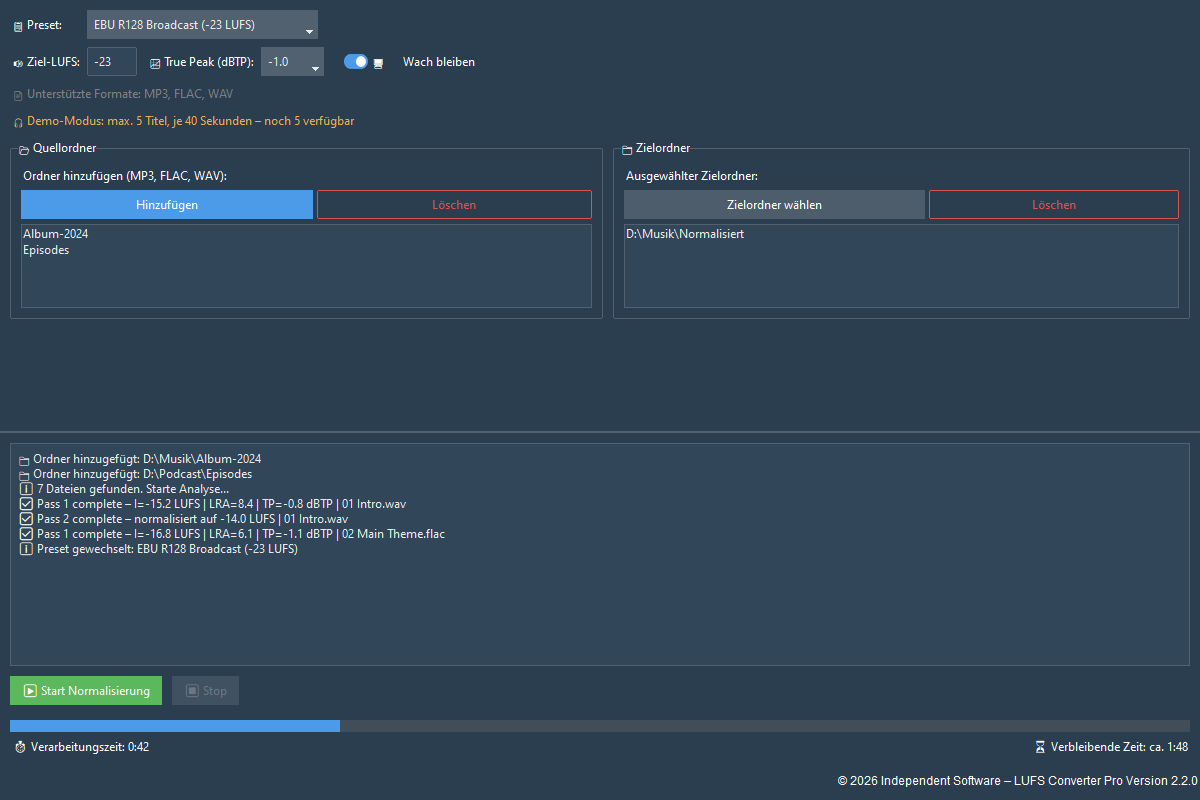
Select one or more source folders, optionally a destination folder and a target loudness value. The program processes all supported files including subfolders, checks the finished file and backs up the originals automatically.
Guide Music loudness normalization LUFS targets and common pitfalls – concise Features at a glanceExact loudness matching without extra compression – no audible artifacts.
Process entire folders with live progress; large runs can resume after a stop.
True Peak ceiling free to set – protects against clipping when levels are raised.
Same format, bitrate and sample rate. Only levels adjusted – metadata included.
Consistent level for episodes and voice recordings — Podcast / General setting with peak protection.
Prepare music before upload — Spotify / YouTube setting with peak protection.
Match uneven MP3 and FLAC folders — without editing file by file in Audacity.
Radio material to the European standard — with a clear measurement report per file.
Guides: Match MP3 folders Normalize MP3 Spotify LUFS Music library All guides in the blog →
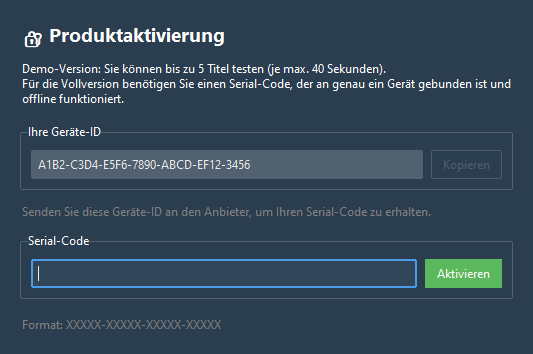
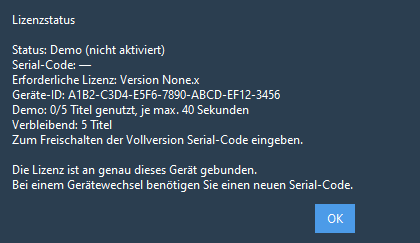
Serial code for one Windows device – by email after online payment, or after bank transfer clears.
Open License → Copy device ID in the program and copy your device ID.
Bank transfer: manual after payment is received (usually within 24 hours). All other payment methods: automatic and immediate by email. Activation is offline in the program.